Drag & drop an AI-generated image, or click to upload
Supports: JPG, PNG, WebP, GIF (max 20MB)
Example: From Image to Prompt
See how Prompt Seen extracts usable prompts from AI-generated artwork
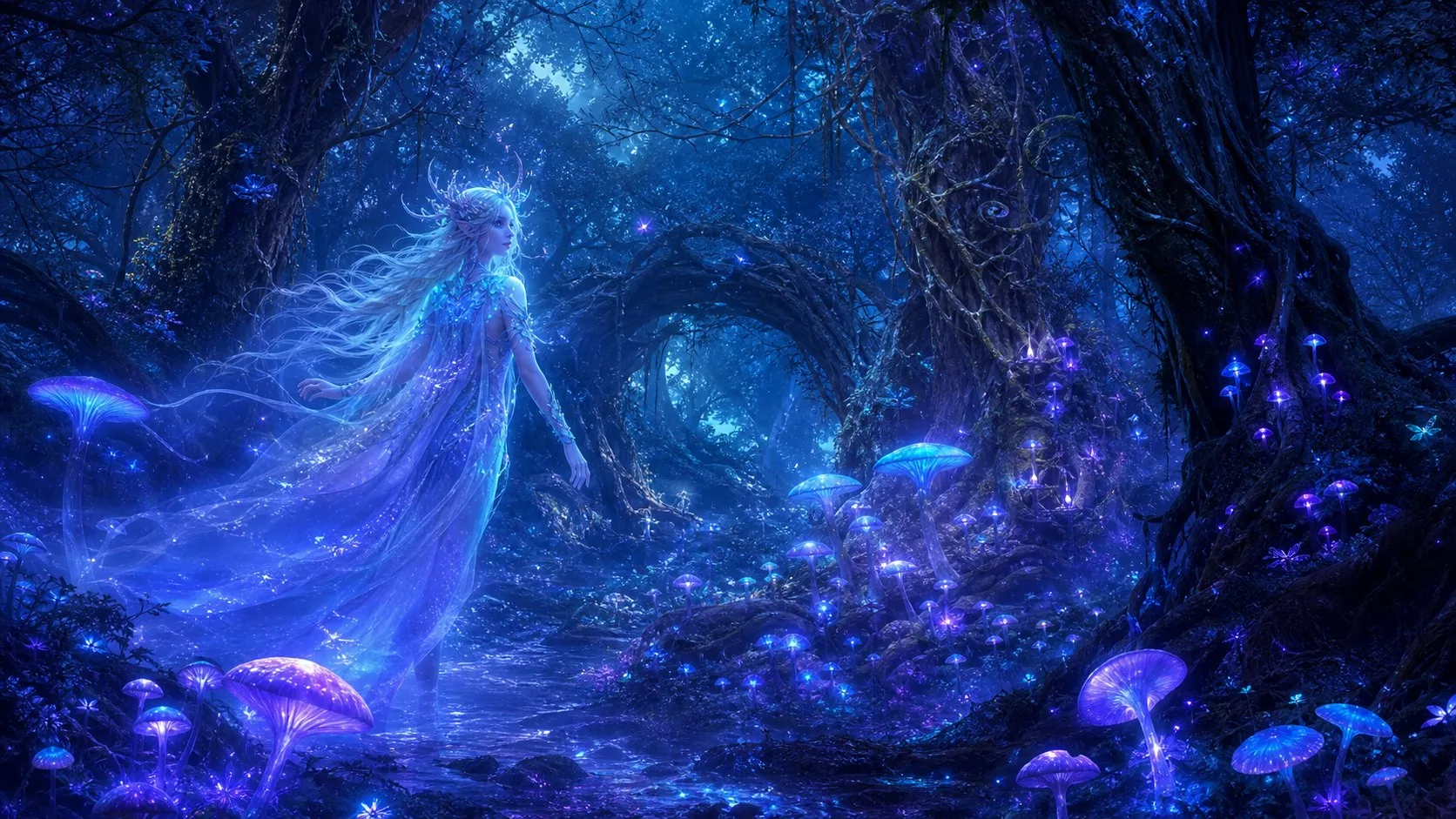
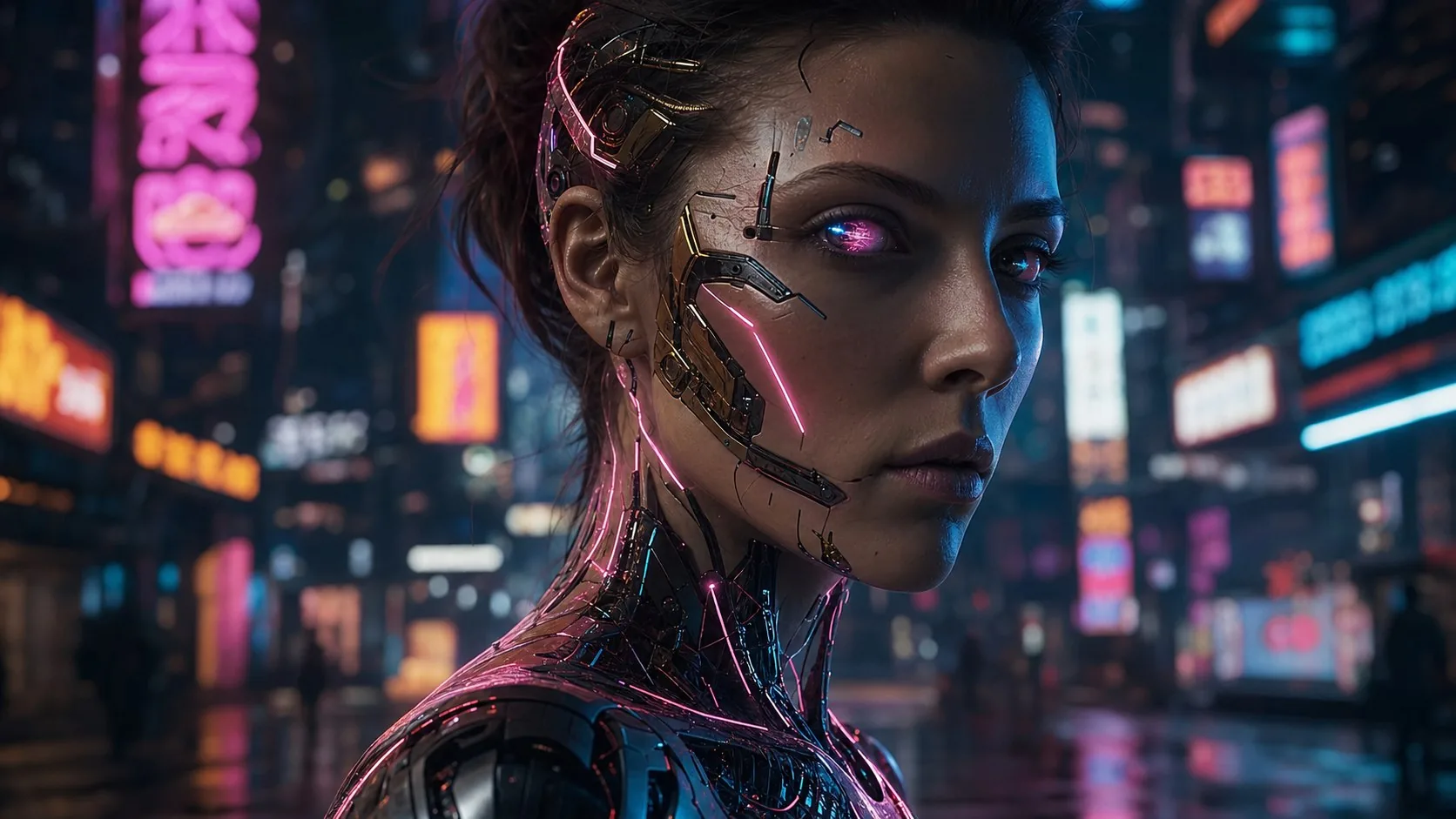
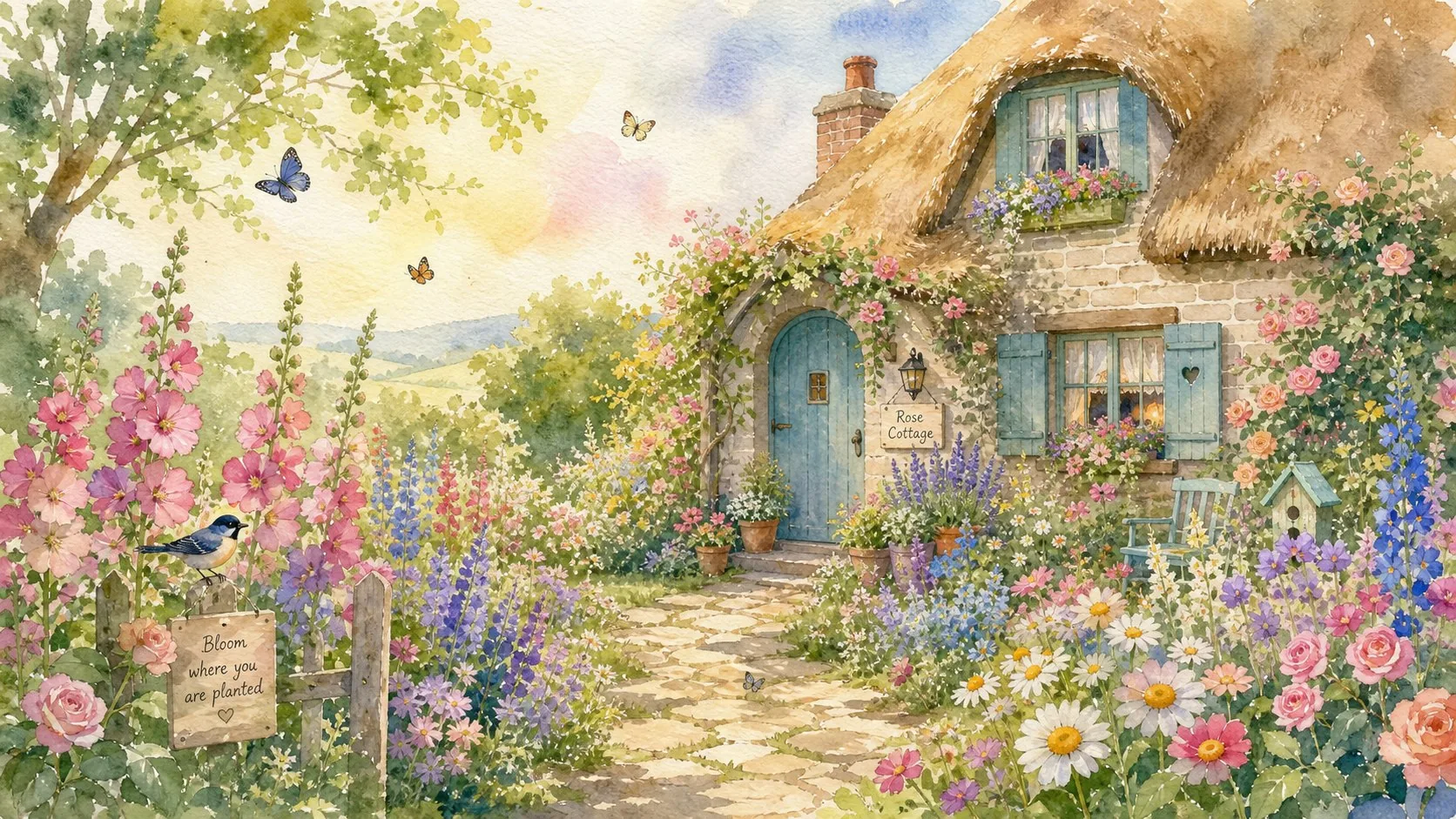
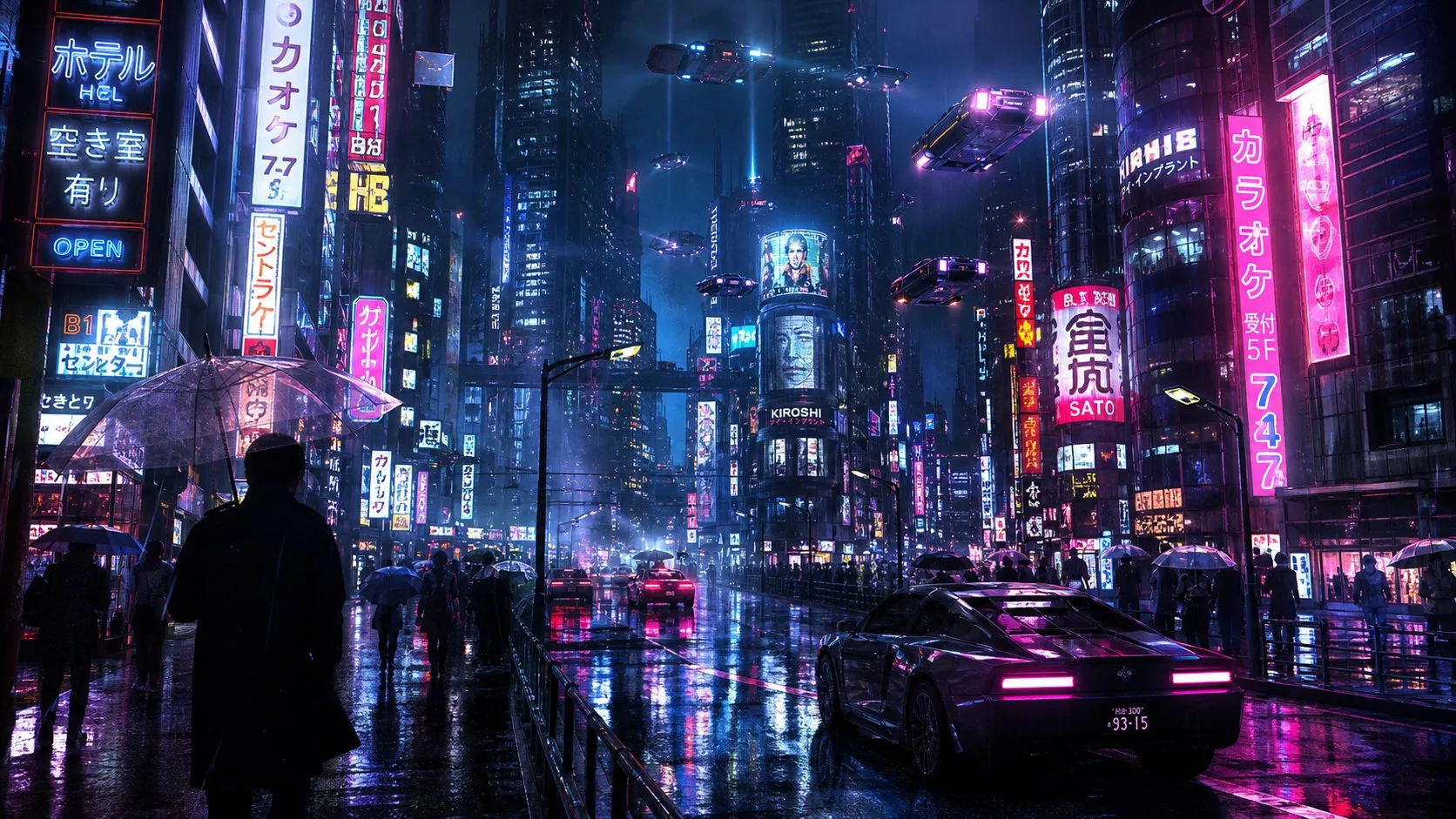
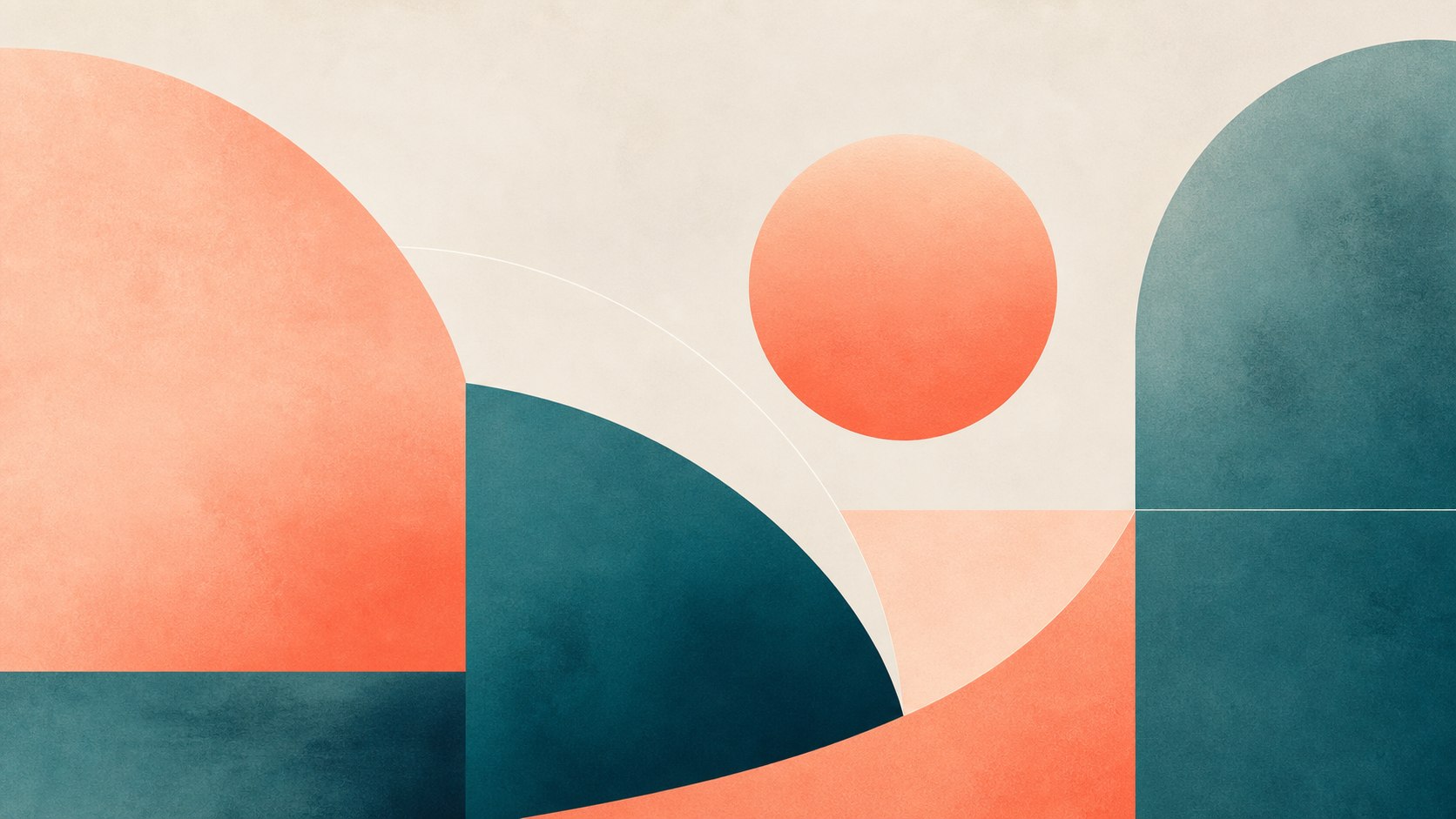
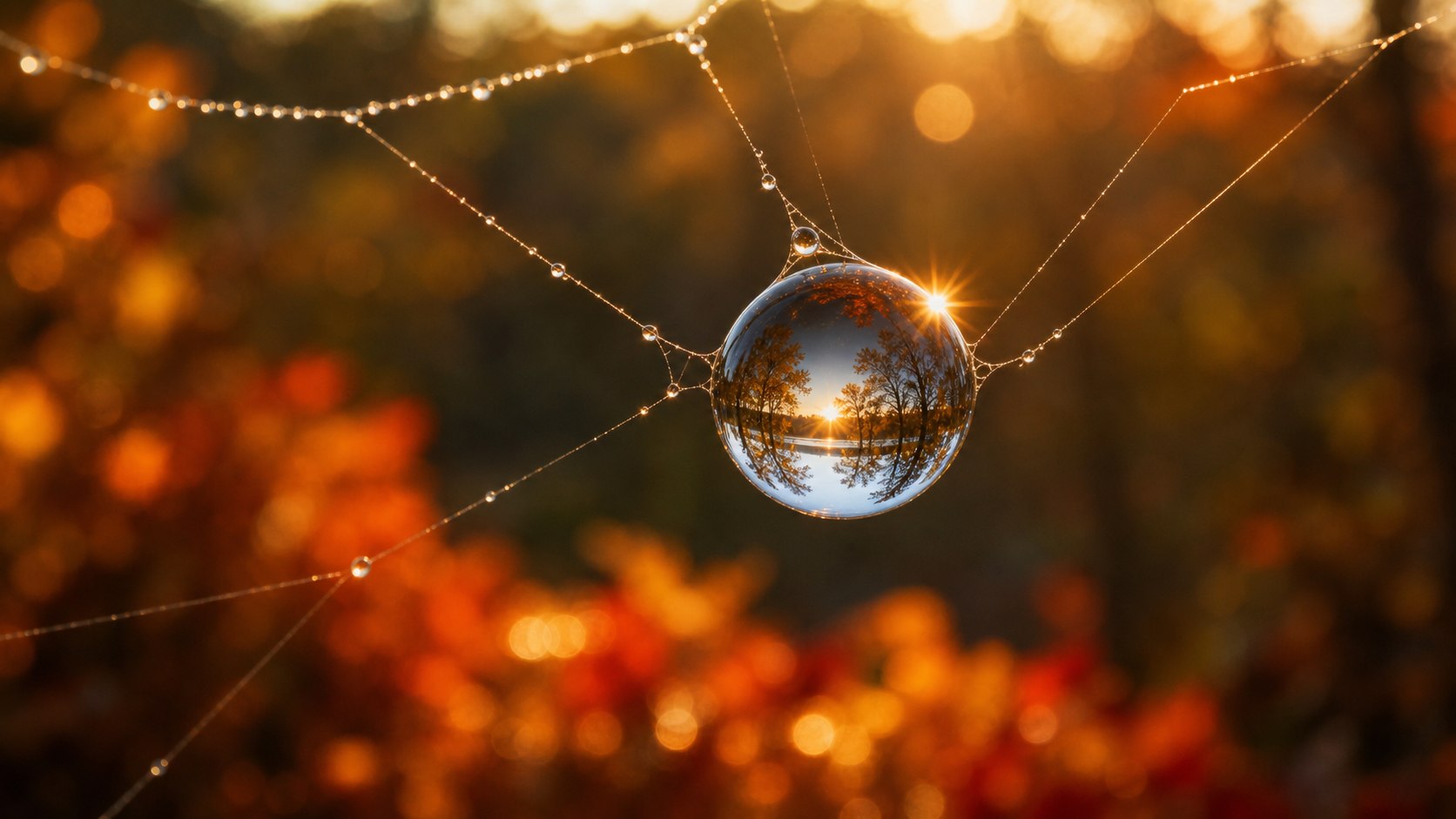
Want more examples? Try Image Chat to chat with your images and refine your prompts.
How It Works
Extract prompts from any AI-generated image in seconds
Upload AI Art
Drop any AI-generated image into the tool. Supports Midjourney, DALL·E 3, Stable Diffusion, Firefly, Leonardo, and other popular AI art platforms. Works best with clear, well-composed images—avoid heavily filtered or distorted artwork.
Choose Your Platform
Select where you'll use the prompt: Midjourney (comma-separated descriptors with --parameters), DALL·E 3 (natural sentences), or Stable Diffusion (weighted tokens, negative prompts). Each platform has unique syntax—the AI adapts automatically.
AI Analyzes Your Image
Vision AI breaks down composition, subject, style, lighting, color palette, mood, and artistic techniques. It identifies platform-specific elements like Midjourney's --ar aspect ratios, DALL·E's detail descriptors, or SD's quality boosters.
Copy & Create
Get a ready-to-use prompt tailored to your chosen platform. Copy it directly into Midjourney, DALL·E, or Stable Diffusion. Tweak details as needed—add style references, adjust parameters, or combine with your own ideas to refine the output.
Prompt Formats by Platform
Each AI platform uses different prompt syntax. Here's what to expect.
Midjourney
Comma-separated descriptors
- • Parameters: --ar, --v, --style, --q
- • Style keywords: photorealistic, cinematic
- • No negative prompts (v6)
DALL·E 3
Natural language sentences
- • Conversational descriptions
- • No special syntax required
- • Built-in safety filters
Stable Diffusion
Weighted tokens + negatives
Negative: blur, low quality, cartoon, illustration
- • Token weights: (keyword:1.2)
- • Negative prompts to avoid artifacts
- • Sampling steps, CFG scale
Pro Tips for Better Prompts
Get more from Prompt Seen with these practical techniques
Start with Clear Images
High-resolution, well-lit images yield better prompts. Avoid blurry, over-filtered, or heavily watermarked inputs. Close-ups of subjects work better than complex, crowded scenes.
Iterate and Refine
Don't stop at the first result. Use the extracted prompt as a starting point, then adjust colors, lighting, or add style references. Try variations to see what works best for your vision.
Match Platform Strengths
Choose the right platform for your goal: Midjourney excels at artistic styles and creative compositions. DALL·E 3 is best for photorealism and detailed scenes. Stable Diffusion offers maximum control with weights and negative prompts.
Learn from Examples
Browse AI art galleries (Midjourney showcase, Lexica.art for SD) to see what prompts produce styles you like. Upload those images to Prompt Seen to reverse-engineer successful techniques.
Use Image Chat for Refinement
After extracting a prompt, use ImageChat's Image Chat to refine it conversationally. Say things like "make it more dramatic" or "add a fantasy element"—the AI will suggest specific prompt modifications.
Combine Multiple References
Upload several images with styles you like, extract prompts from each, then combine the best elements. Mix lighting from one, composition from another, and color palette from a third.
Frequently Asked Questions
Can I recreate an exact copy of an AI image?
No. AI generators create unique images each time due to random seed variations. Prompt Seen extracts the style, composition, key elements, and techniques—but your regenerated image will be a variation, not an exact duplicate.
What you get instead:a prompt that captures the essence—color palette, lighting setup, artistic style, subject matter, mood, and composition. Use it to explore similar aesthetics, create variations, or learn how specific visual effects are achieved. For example, if you love a Midjourney cyberpunk portrait's neon lighting, Prompt Seen can isolate that technique for reuse.
Which platform should I choose?
Choose the platform where you'll actually generate images. Prompt Seen formats the output specifically for each one:
- Midjourney: Comma-separated descriptors with optional parameters like
--ar 16:9for aspect ratio,--v 6for version,--style rawfor photorealism. - DALL·E 3: Natural language sentences. The prompt reads like a description you'd tell a friend—smooth, conversational, detailed without technical syntax.
- Stable Diffusion: Weighted tokens with positive and negative prompts. Uses syntax like
(masterpiece:1.2)to emphasize quality or(blur:1.4)in negatives to avoid unwanted effects.
If you're unsure, start with Midjourney—it's the most popular for AI art discovery.
Does it work with non-AI images?
Yes! Upload any image—photography, digital art, traditional paintings, screenshots, even sketches. The AI analyzes the visual style and generates a prompt to recreate similar aesthetics in AI art.
Popular use cases:
- • Upload a photo to extract lighting and composition for AI portraits
- • Upload digital art to understand brushwork and color grading techniques
- • Upload classic paintings to study artistic styles (Impressionism, Baroque, etc.) and apply them to AI generation
- • Upload reference images to create themed collections with consistent visual language
How accurate are the extracted prompts?
Accuracy depends on image complexity, clarity, and your chosen AI model. The system excels at identifying subjects, artistic styles, lighting setups, color palettes, and compositional techniques.
Factors affecting accuracy:
- • Image clarity: Clear, high-resolution images yield better results than blurry or heavily compressed ones
- • Complexity: Simple subjects (a portrait, a landscape) are easier to analyze than complex scenes (crowded streets, abstract compositions)
- • Model choice: GPT-4o and GPT-5.5 provide more detailed, nuanced prompts than GPT-4o-mini
For best results, use well-composed images without heavy filters, watermarks, or distortion. Close-ups and clearly defined subjects work particularly well.
Can I refine the generated prompt?
Absolutely—refining is encouraged. Think of the extracted prompt as a foundation. You can:
- Adjust details: Change colors, swap subjects, modify lighting conditions, or add/remove background elements
- Add style references: Include artist names, art movements, or aesthetic keywords (e.g., "in the style of Studio Ghibli," "Art Deco aesthetic")
- Tweak platform parameters: Adjust aspect ratios, quality settings, or model-specific options
- Combine ideas: Merge the extracted prompt with your own creative concepts
Pro tip:Use ImageChat's Image Chat to refine prompts through conversation. Describe what you want to change, and the AI will suggest specific adjustments to the prompt.
What's the difference between free and paid tiers?
Free tier uses GPT-4o-mini with 70 credits/week. Paid tiers unlock GPT-4o and GPT-5.5 for more detailed, accurate prompt extraction. All tiers support all three platforms (Midjourney, DALL·E, Stable Diffusion).
Ready to See the Prompts?
Upload an AI-generated image and extract its prompt. Free to start, no sign-up required.