Input
A reference image showing a cyberpunk character with neon lighting, holographic elements, and cinematic composition.
Cyberpunk styleNeon lightingCharacter portrait
AI art creation
Guessing AI prompts through trial-and-error wastes hours. Image Chat helps you reverse-engineer perfect prompts from reference images.
Upload reference art and get detailed Midjourney/DALL-E prompts with lighting, style, composition, and parameter suggestions.
Free to start · No credit card required
Prompt
cyberpunk portrait, neon rim lighting, holographic background, 8k ultra detailed, cinematic composition, purple and cyan color palette, sharp focus --ar 2:3 --v 6 --stylize 750
Style analysis
Variation suggestions
Ask: "Make it more suitable for environment scenes" or "Add futuristic city background" for variations.
Example
A compact example of how Image Chat turns a product image context into publishable draft copy.
Input
A reference image showing a cyberpunk character with neon lighting, holographic elements, and cinematic composition.
Output
Prompt
cyberpunk portrait, neon rim lighting, holographic background, 8k ultra detailed, cinematic composition, purple and cyan color palette, sharp focus --ar 2:3 --v 6 --stylize 750
Style analysis
Variation suggestions
Ask: "Make it more suitable for environment scenes" or "Add futuristic city background" for variations.
Scene Background
AI art tools like Midjourney and DALL-E have transformed creative workflows, but crafting the right prompt remains a skill that takes months to master.
Getting consistent, high-quality results from AI art tools requires understanding lighting, composition, style keywords, and technical parameters.
Without a systematic approach, creators test dozens of prompts before finding one that matches their vision.
Maintaining visual coherence across a series requires prompts that capture style elements, not just subject matter.
Pain Points
These are the common bottlenecks Image Chat is designed to reduce for sellers and creators.
Knowing the right style terms, lighting setups, and technical keywords requires extensive prompt engineering experience.
When you see art you love, translating its visual qualities into prompt keywords is a guessing game.
Midjourney's --ar, --v, --stylize, --chaos parameters dramatically affect output but require experimentation to understand.
Without systematic prompts, a series of related images may have wildly different styles and quality.
Iterating through prompt variations for each image consumes hours that could go toward creative direction.
Solution
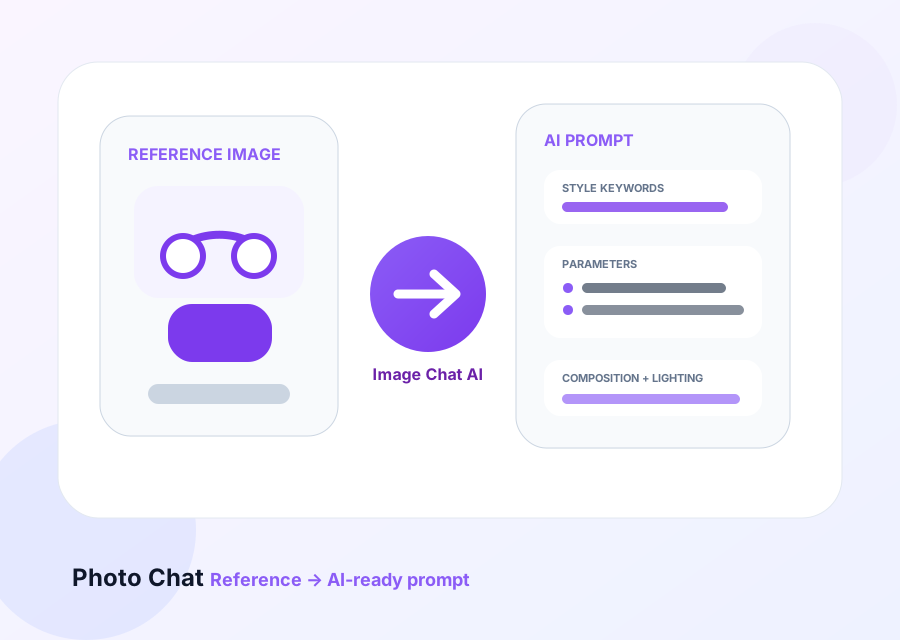
Image Chat analyzes reference images and generates detailed AI art prompts with style keywords, lighting descriptions, composition notes, and parameter suggestions.
What you get
Upload reference art, get prompts that capture style, lighting, composition, and technical parameters.
Understand why a reference image works: lighting, composition, color palette, mood, and artistic style.
Get prompts formatted for Midjourney, DALL-E, Stable Diffusion with platform-specific syntax.
Receive suggestions for aspect ratio, version, stylize, and other parameters that affect output.
Ask follow-up questions to adjust tone, style, or subject without starting from scratch.
Create prompts that maintain visual coherence across multiple AI-generated images.
Workflow
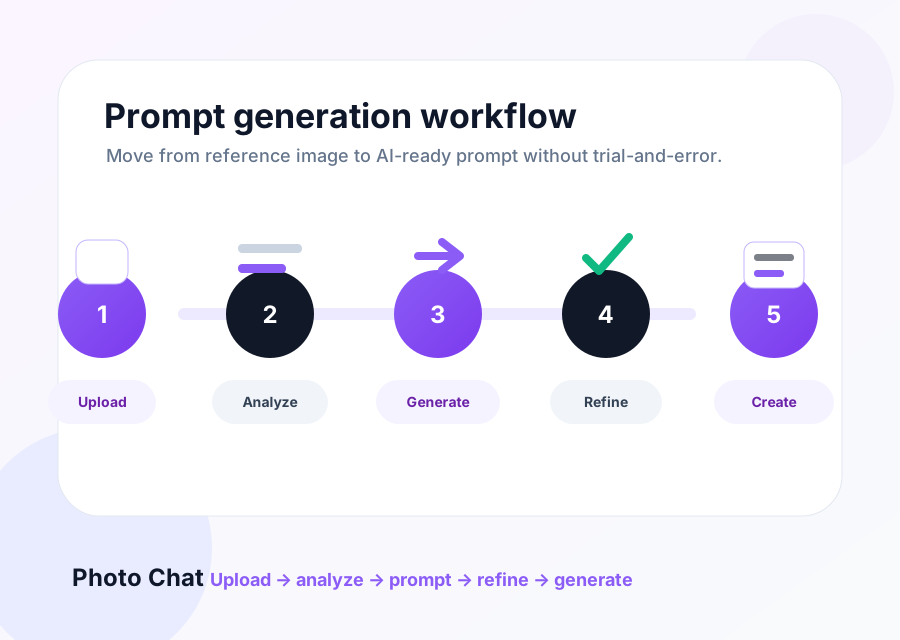
Use Image Chat to demystify reference art and create prompts that match your creative vision.
Use artwork, photos, or any visual that captures the style you want.
Ask for a Midjourney, DALL-E, or Stable Diffusion prompt that matches the style.
See style keywords, lighting setup, composition notes, and technical parameters.
Adjust specific elements like mood, color palette, or subject matter.
Use the refined prompt in your AI art tool and iterate as needed.
Features
Upload any image and understand its visual style, lighting, and composition.
Generate prompts for Midjourney, DALL-E, Stable Diffusion, and other AI art tools.
Get recommendations for aspect ratio, version, stylize, and other technical settings.
Learn the keywords that define artistic styles, lighting setups, and moods.
Create prompts that maintain visual coherence across multiple images.
Build prompt engineering skills through analysis rather than trial-and-error.
Reverse-engineer reference images into detailed, platform-ready prompts with Image Chat.